

Information Sidos WiFi Site survey

A Smarter Way To Plan, Survey, And Troubleshoot Wi-Fi

Everything You Need!
Design. Survey. Analyze. Troubleshoot. Report.
One Convenient Package
One Attractive Price
Simplify On-Site Data Collection
Sidos takes the guesswork out of site surveys enabling anyone to collect data on-site quickly and easily. Just download our mobile app, connect the measurement device, scan a QR code, and begin to survey. This streamlined experience makes surveys faster for your team, or share the measurement device with a subcontractor or even mail it directly to the customer.
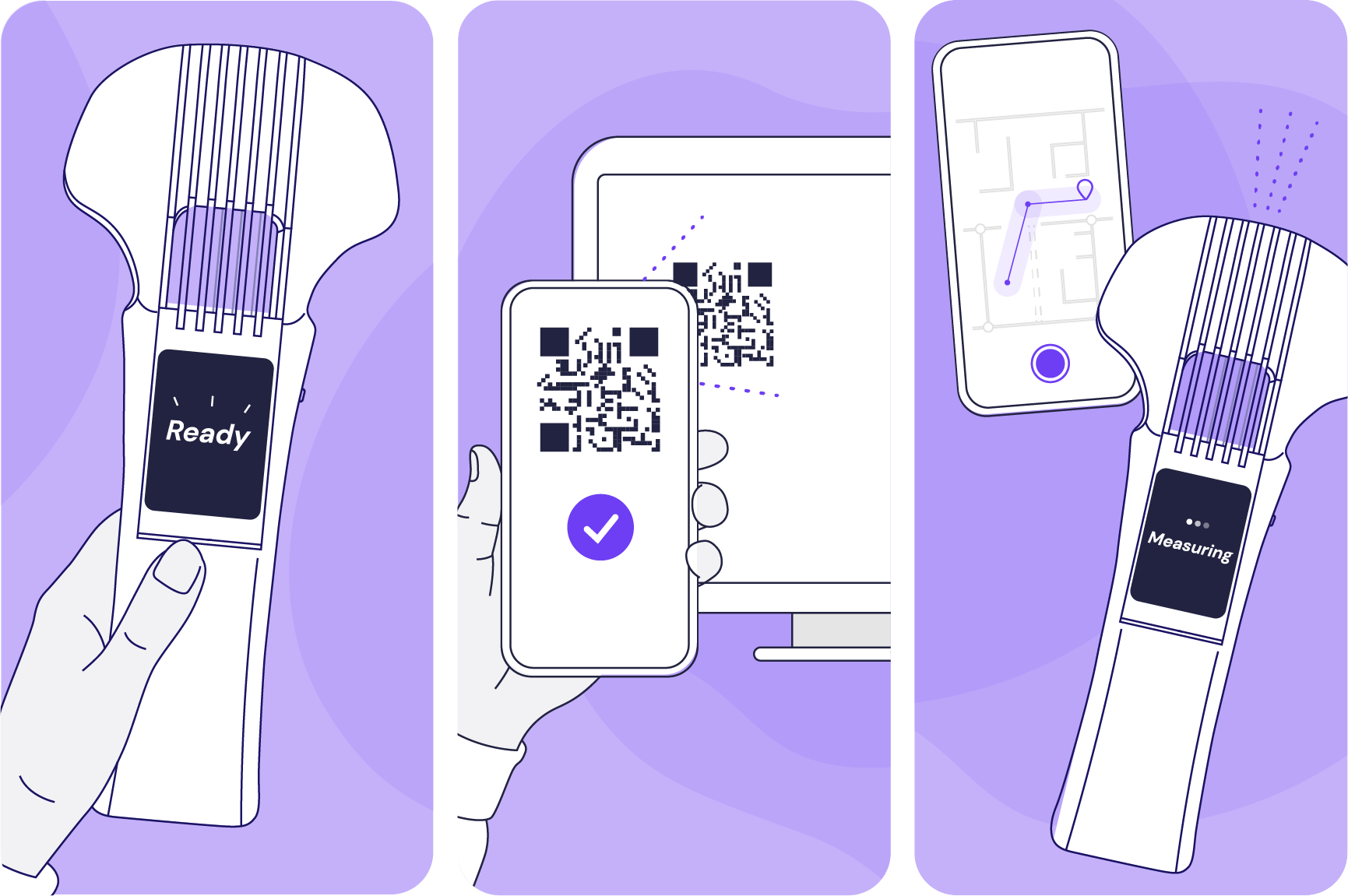
Reimagine Site Surveys
A new survey experience that makes it possible for anyone to accurately survey a site without prior survey experience or cumbersome setup and configuration steps.
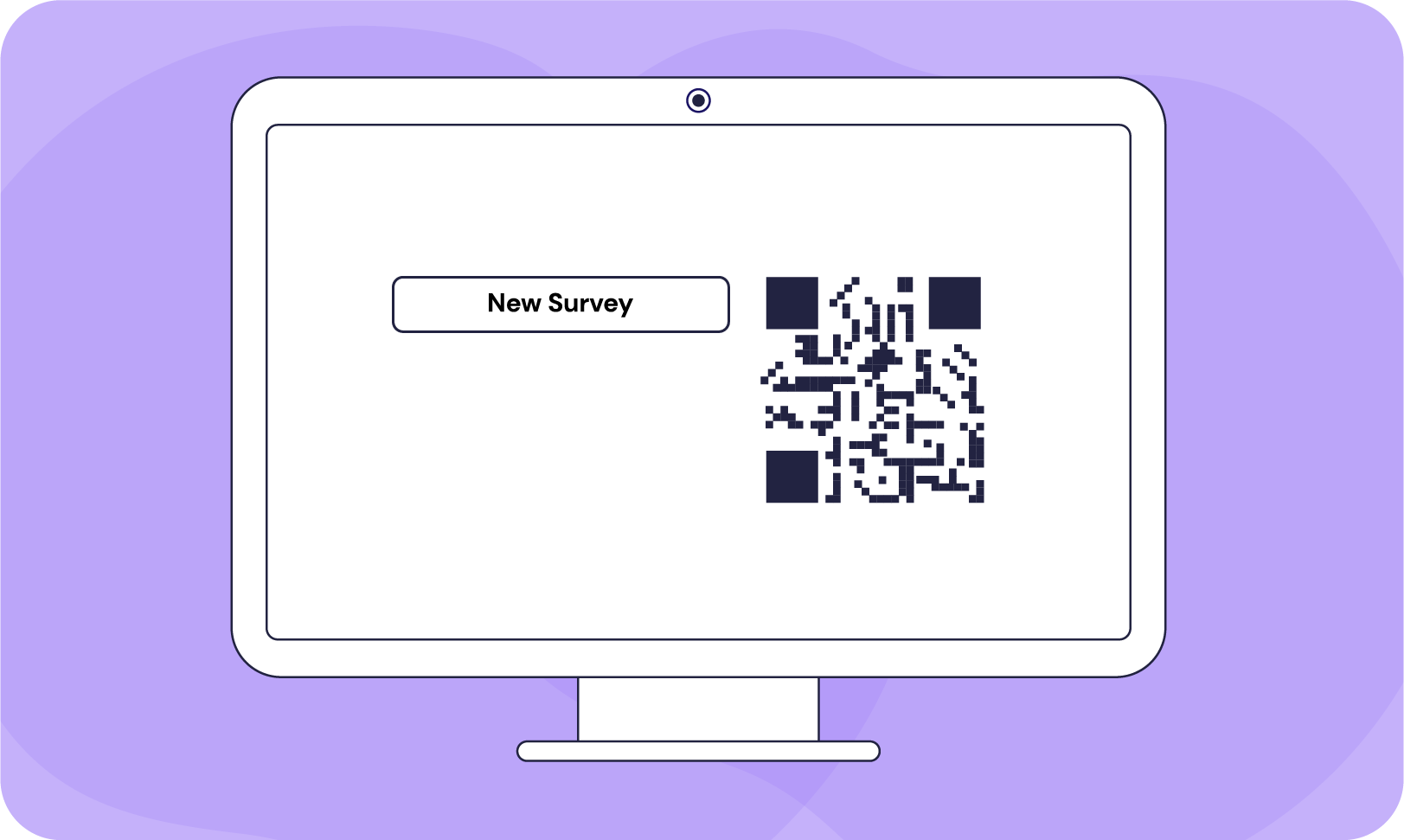
1. Create QR Code
A QR code is automatically generated when a new floorplan is added to a project and can be created manually whenever a fresh survey is required.

2. Load Project
Scanning a QR code with our mobile app is the only thing needed to get started. Once the QR code is scanned, all the project setup data is downloaded automatically from the cloud.
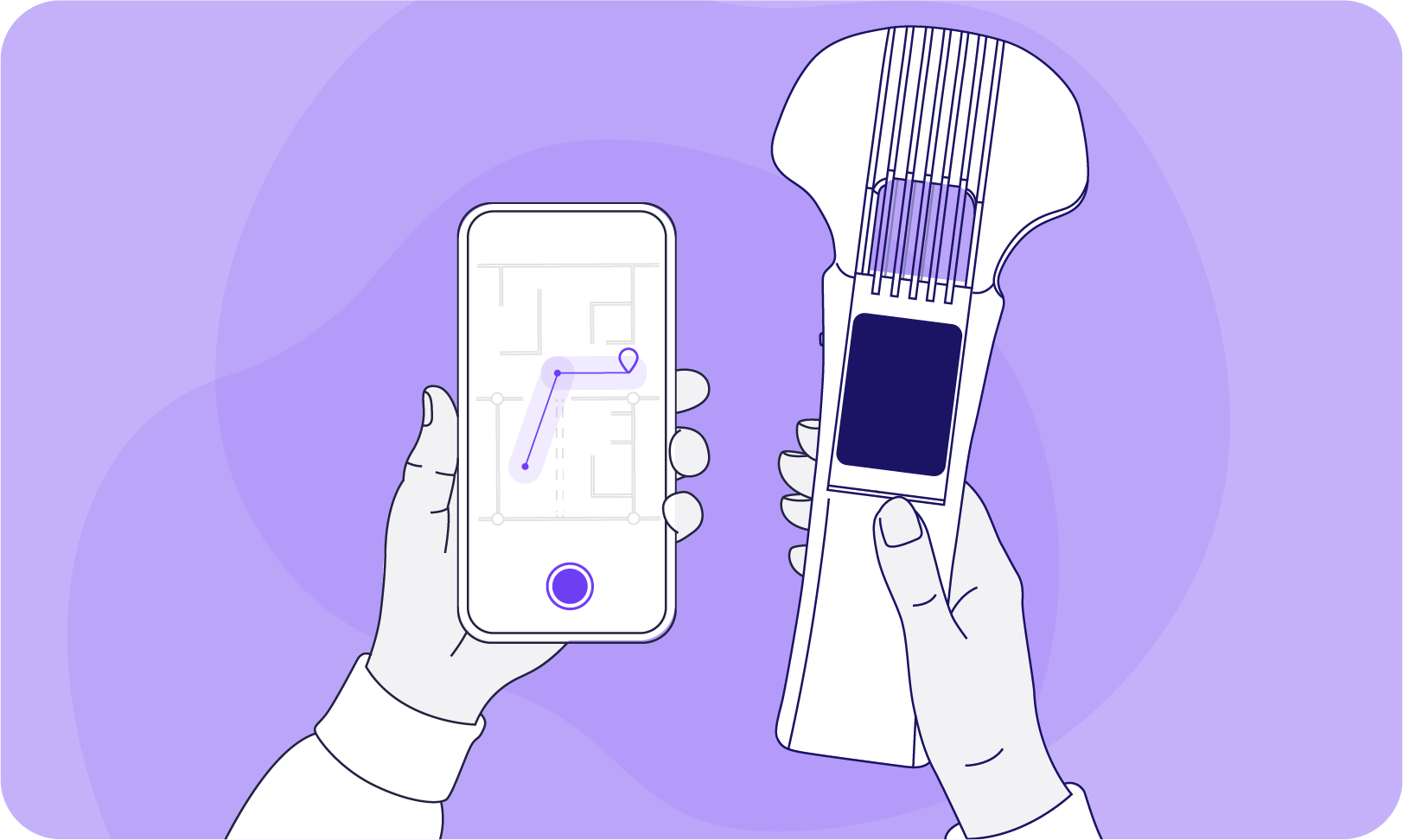
3. Survey
To start the survey, connect your phone to our measurement device, select the appropriate floor, and hit the record button in the app. As you walk visual guides show how much area you’ve covered and how much you still have to go.
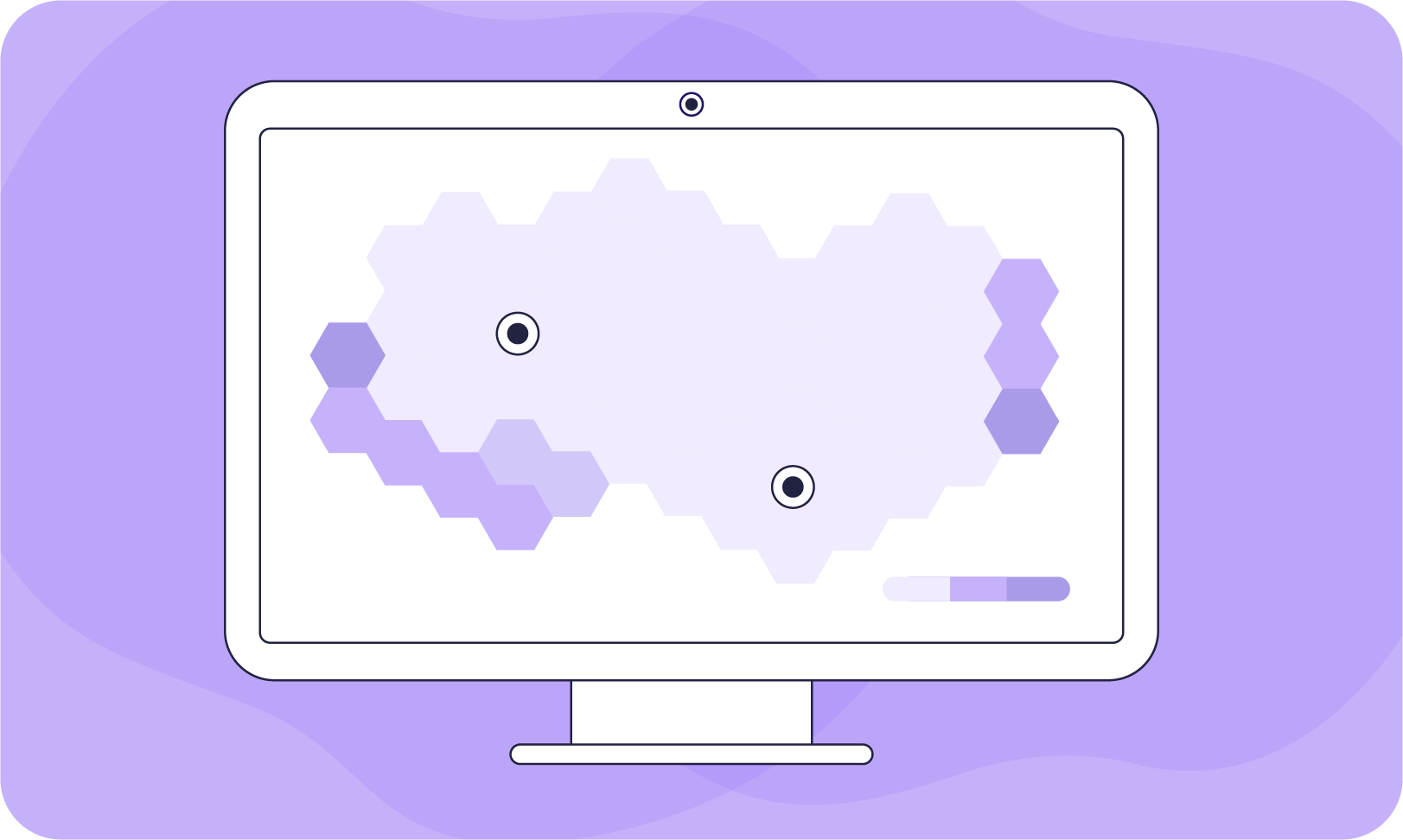
4. Analyze Results
Once the survey is complete all survey data is uploaded to the cloud where the data is combined, processed, and ready to be analyzed using our cloud app.
Dive Deeper Into Survey Results
Once survey data is collected onsite, it’s time to review and analyze the results. Sidos provides easy and comprehensive tools to help users analyze coverage, interference, and more within the surveyed environment. But where conventional Wi-Fi tools stop, Sidos goes further.
Sidos AI bridges the gap between surveys and simulations, opening up a new world of possibilities. Sidos can even display heatmaps for areas that were never surveyed. Users can now perform what-if analysis on surveyed projects, such as moving a surveyed access point to a different location or changing its power levels.

See Data In A New Light
A new survey experience that makes it possible for anyone to accurately survey a site without prior survey experience or cumbersome setup and configuration steps.


Get A Birdseye Project View
Get a comprehensive overview of your entire project all in one place and quickly drill into problem areas with just one click.

Assess Interference
Understand how CCI and ACI interference from neighboring access points and networks impacts specific SSIDs and channels.
Check Coverage
Determine if the existing network provides adequate primary and secondary coverage and see where gaps or areas of poor coverage need to be addressed.

Sidos AI
Enable Sidos AI and see beyond the limitations of your survey data by getting a model of your entire floor plan, even the areas outside of your survey path.
Figure Out The Best Solution
Once you’ve thoroughly analyzed your Wi-Fi network, Sidos will help you identify and troubleshoot any potential issues within your network. You can easily pinpoint the root cause of the issue and simulate potential solutions to fix them using our Digital Model Technology. This technology lets you quickly model different scenarios, like moving an access point or changing power levels to see what works best for your network without the need for guesswork or additional site visits.

Simplify Troubleshooting
Sidos revolutionizes the troubleshooting process by allowing users to test various solutions on a precise digital model constructed from actual survey results. By bridging the gap between survey and simulation, Sidos transforms troubleshooting into an efficient, accurate, and highly intuitive process.
INTERACT WITH YOUR NORMAL SURVEY LIKE A SIMULATION
Change power levels
Remove or add walls
Move or add APs
Adjust channels

Narrow down on the issue
Once you identify the problem, simply click and Sidos will take you straight there for a closer look.

Change channels
Create a new channel plan and test it in real-time

Drag and drop access points
Take any surveyd access point and drag it to a new location on the floorplan

Adjust power levels
Experiment with power levels to see how this impacts your network
